
Custom Space Availability
Some Spaces do not need to be available at all times. For example, most people would want the Work Space to be available only during weekdays. Starting from this update, you can customize on which days and hours each Space is available.
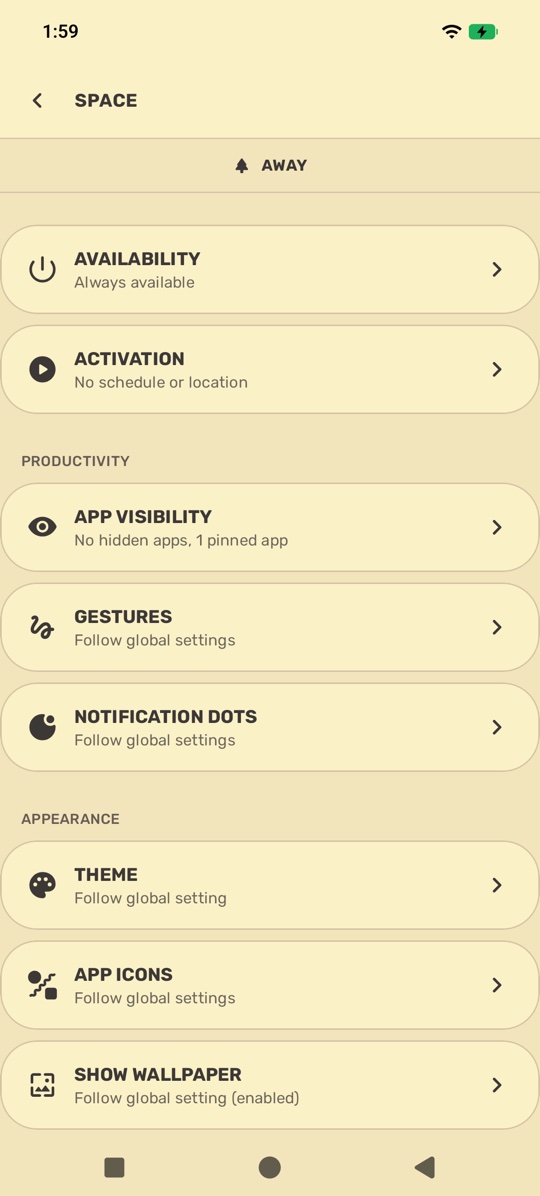
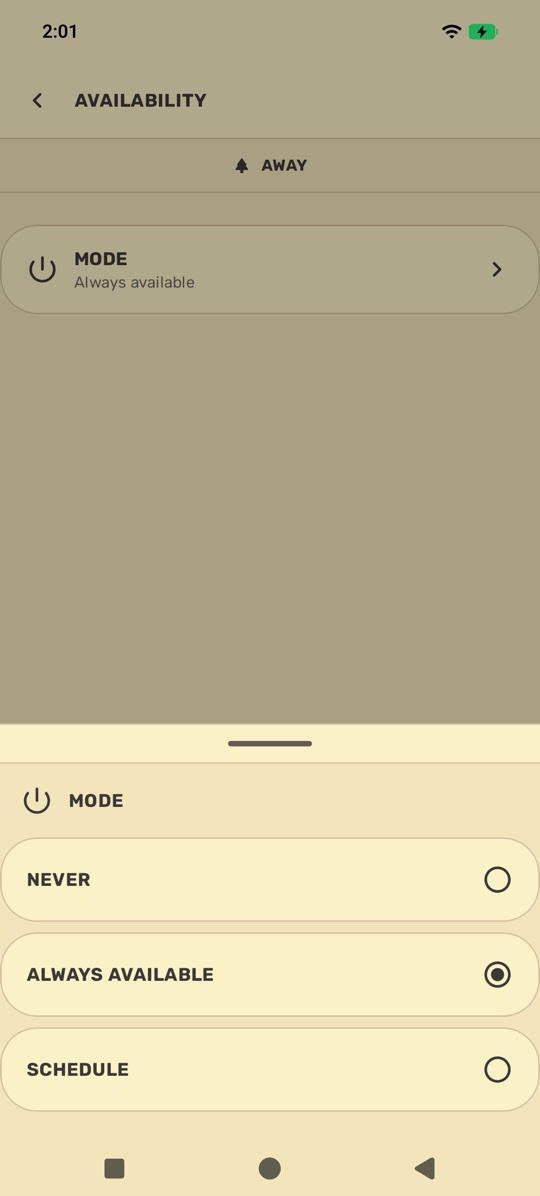
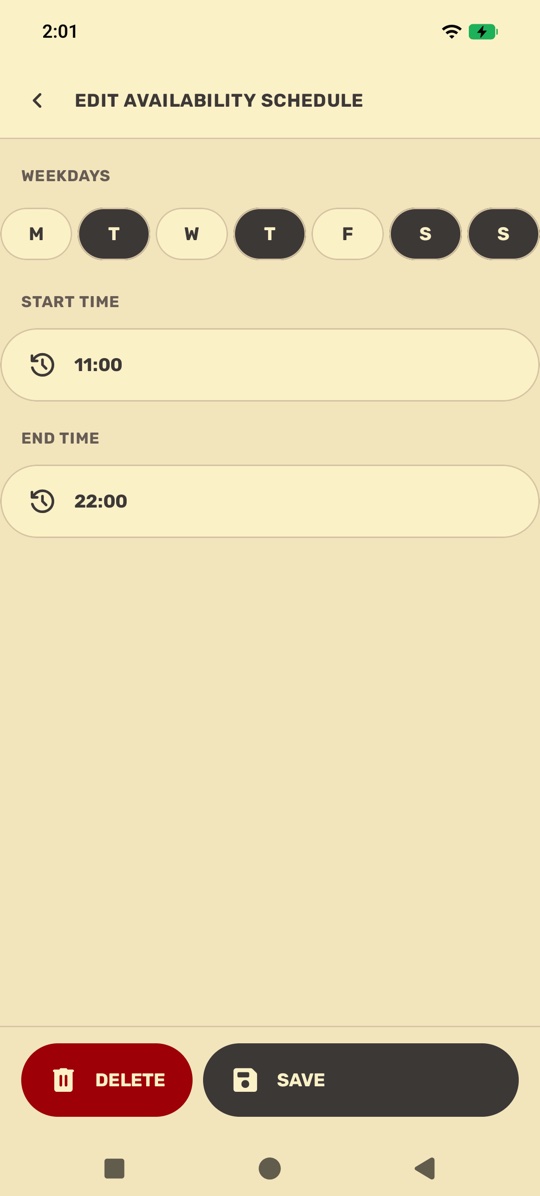
This new feature is called Space Availability and the pre-existing Location/Schedule controls are now under Activation settings:
- Space Availability: When the Space is available to be activated.
- Space Activation: When the Space is activated.
For example, you can make the Work Space available all day from Monday to Friday, but only activate it during the actual work hours.
New Default Behavior
The default availability & activation schedules have been updated as shown in the tables below:
Availability
| Space | Before | After | Change |
|---|---|---|---|
| Away | Always | Always | Can now be disabled |
| Active | Always | Never | Now disabled by default |
| School | Always | Never | Now disabled by default |
| Work | Always | Monday to Friday | Limited to weekdays |
| Focus | Always | Never | Now disabled by default |
| Morning | 05:00-11:00, every day | 05:00-11:00, every day | Now customizable, can be disabled |
| Night | 21:00-05:00, every day | 21:00-05:00, every day | Now customizable, can be disabled |
Activation
| Space | Before | After | Change |
|---|---|---|---|
| Morning | 05:00-11:00, every day | 07:00-09:00, every day | Now customizable, narrower default schedule |
| Night | 21:00-05:00, every day | 22:00-04:00, every day | Now customizable, narrower default schedule |
Private Space
Private Space is now fully supported and accessible through Yasan Launcher!
While the core support for Private Space is stable, how Private Space interacts with the rest of the launcher is still considered experimental and may change in upcoming releases.
Visibility & Access
Private Space apps have their own unique type of visibility: they are never shown on Dock and, unlike other apps, cannot be pinned or hidden.
Access through Search
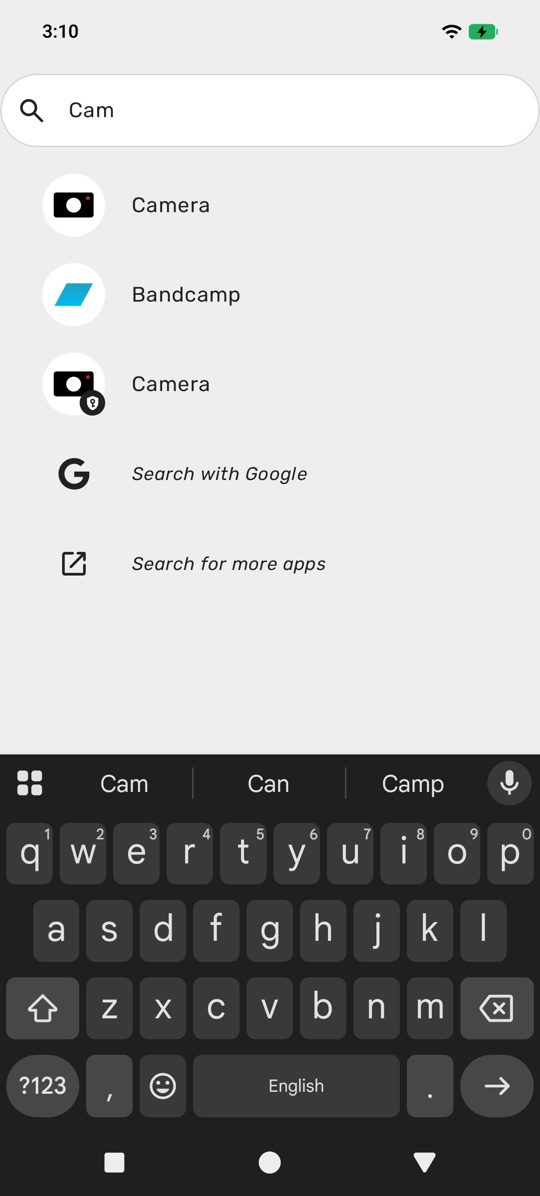
- Private Space apps are accessible in Search as long as the new “Show Private Space Apps” setting is enabled for the search gesture action and Private Space is unlocked.
- Private Space apps are always shown last in the results.
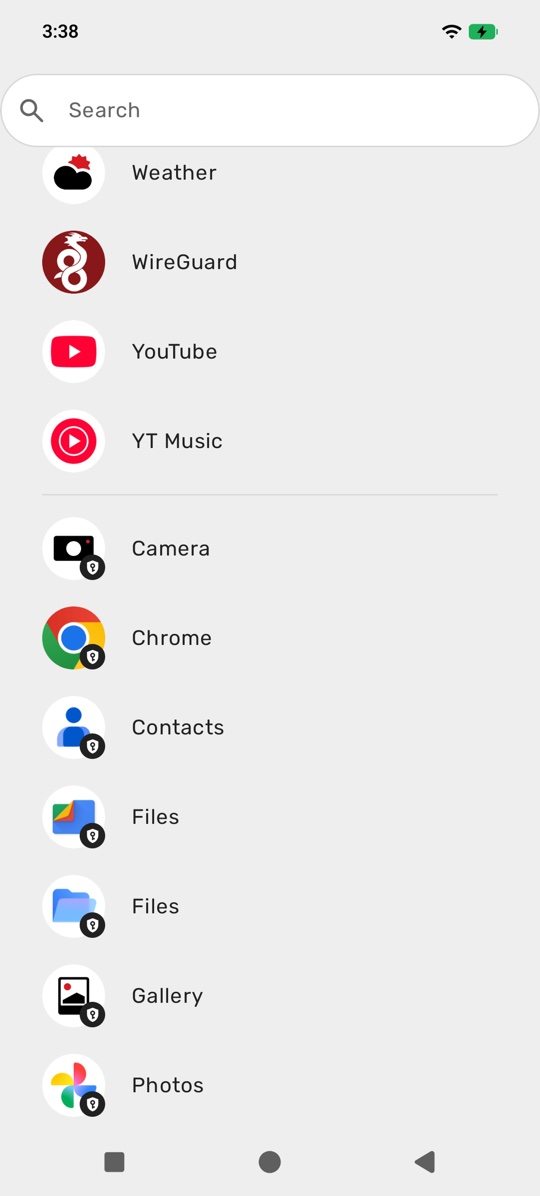
- If Search is opened without any query, Private Space apps are shown in a separate group at the very end of the apps list.
Access through Dashboard
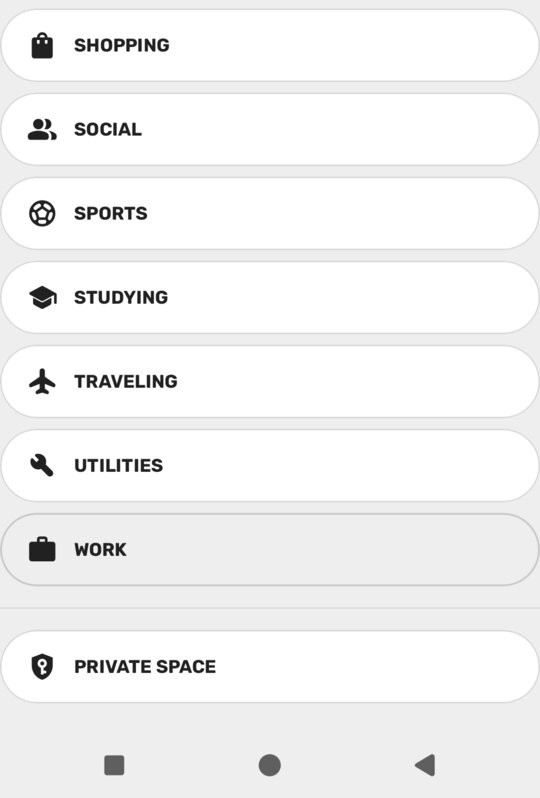
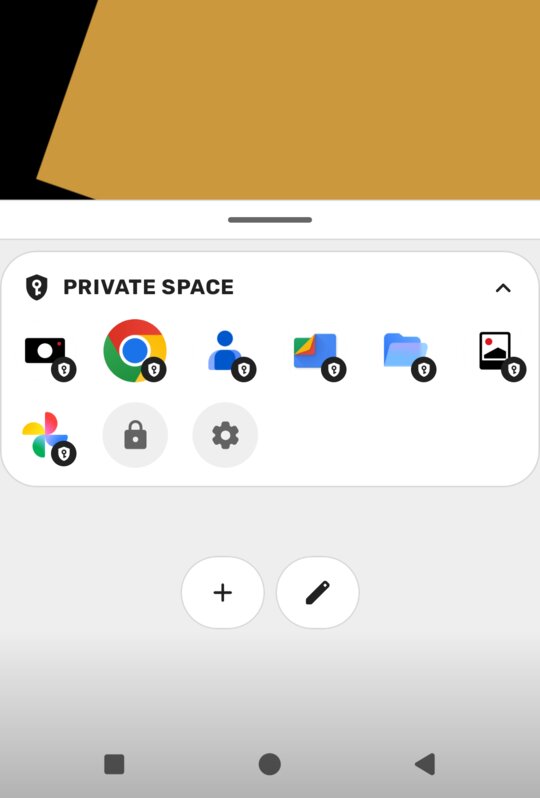
Yasan Launcher automatically creates a folder for Private Space, which can be added to any Space like any other folder. This folder allows you to quickly lock/unlock Private Space as well.
Glance
Charging Indicator
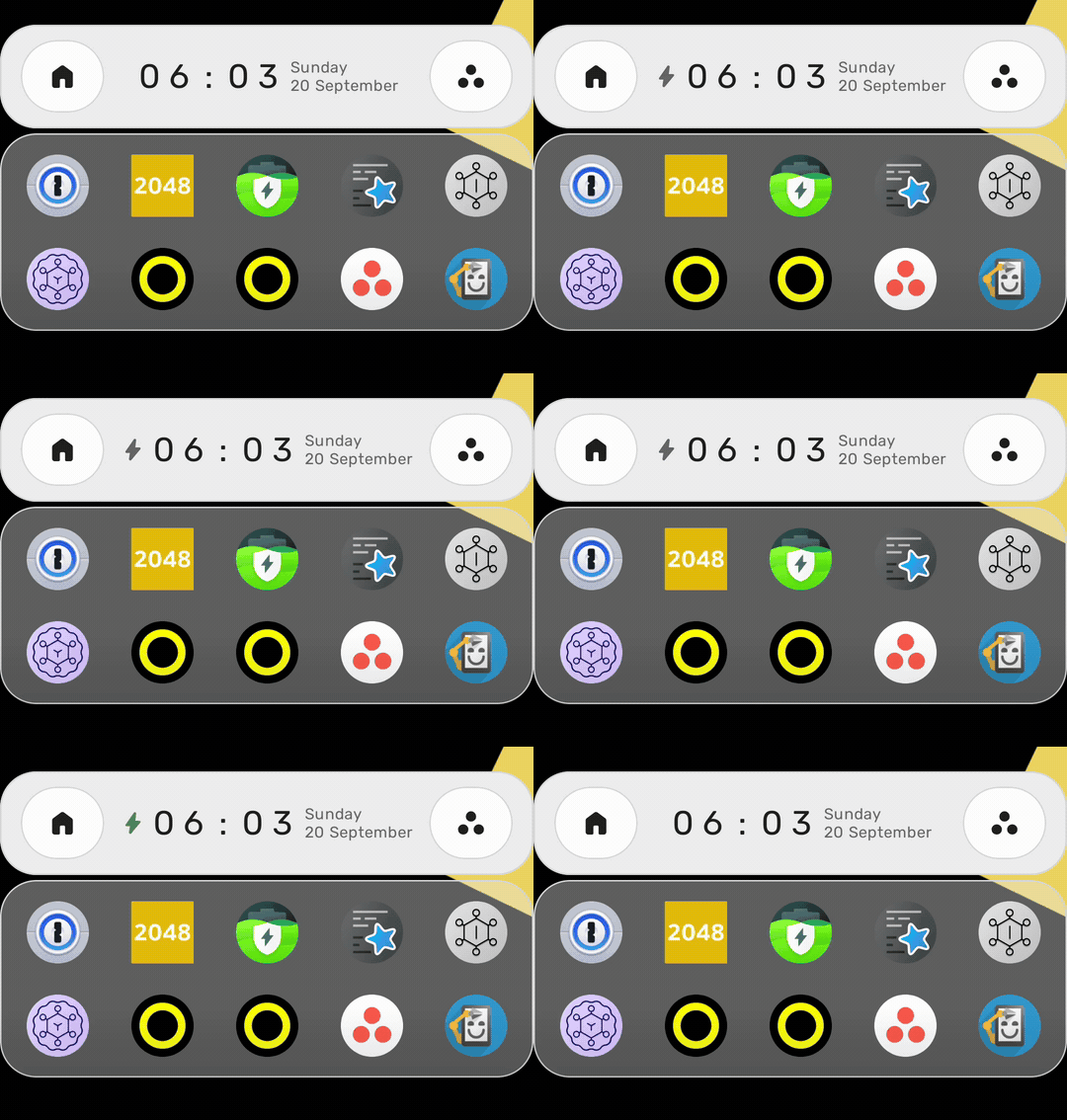
Glance now shows a charging indicator with dynamic animations based on the charging state of your device.
Custom Default Apps
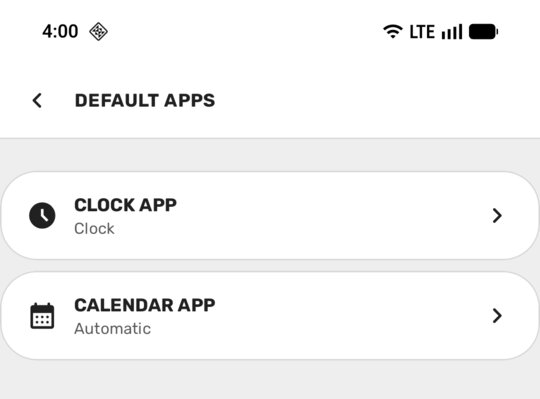
You can now select your preferred Clock & Calendar apps through the Advanced settings.
For now, this default apps preference only changes the apps that launch when tapping on time and date texts on Glance.
Continuum: Theme Sync
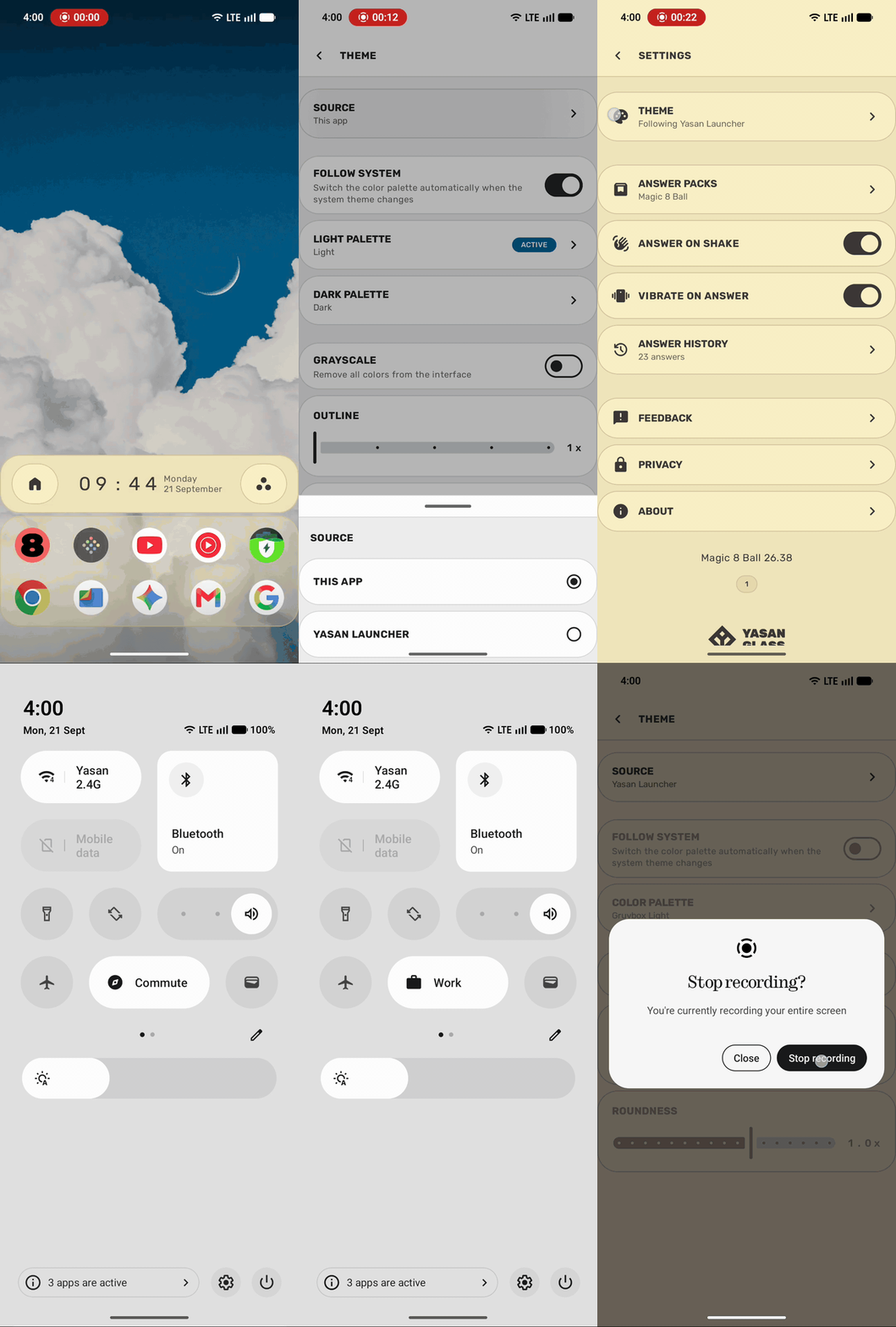
Yasan Launcher & my other apps can now communicate with each other to provide a more consistent experience. This new capability is called Continuum.
If you have Yasan Launcher & other Continuum-enabled apps installed, they will follow the active theme in Yasan Launcher by default. This can be changed through the theme settings using the new Source option.
If you have these Continuum-enabled apps installed but not Yasan Launcher, they work like any other standalone app and do not show this setting at all.
At the moment, the only publicly available app that supports Continuum is my minimal Magic 8 Ball app.
This is the very first step for Continuum: in the near future it will provide more useful features & will be supported by more apps.
Other Notable Changes
- Gesture actions can now be customized for each individual Space.
- New Quick Settings tile: tap to cycle to the next available Space, long press to open Spaces settings.
- The status bar can now be hidden, globally or per Space.
- Dock & Glance are now more compact and take less screen space.
- New Recents gesture action.
- Hidden apps revealed in Search now show a badge.
- The folder app management screen now shows the selected apps in a horizontal list.
- App badges now use a more standard shape and size.
- The Settings screen now shows up in recent apps.
- Yasan Launcher Intelligence: major improvements and optimizations.
You can always see the full release notes for every version.
Availability
The Synapse Update features are available on Yasan Launcher version 26.39-4613 and later.
What To Expect Next
Other than general improvements across the whole project you can see on the public roadmap , my next focus is digital wellbeing & productivity. I am excited about this new direction and cannot wait to tell you more in the near future.
Feedback
Yasan Launcher is currently in Research Preview and may change significantly before the final release. Your feedback is essential to help me shape what comes next.
If you have any feedback or suggestions, feel free to reach out through the social channels below.
Thank you for your support & feedback!